Counterpick
An Overwatch companion for Windows. It shows who counters whom in your match, records your Ranked, Quick Play and Stadium matches by itself and keeps your career profile.
In the game
Around your ultimate meter:
- both teams in their colours
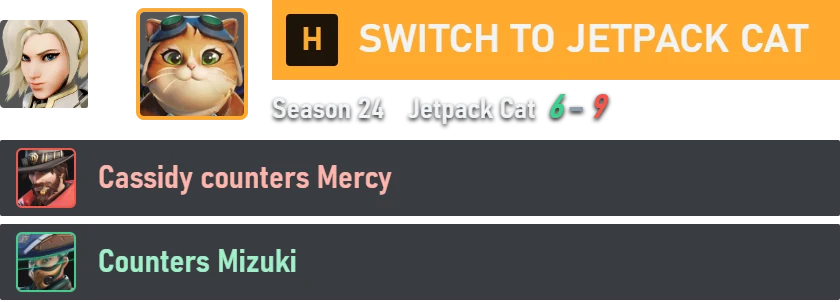
- a red mark on enemies that counter your hero
- a note when an enemy switches, and what that changes

Before the round
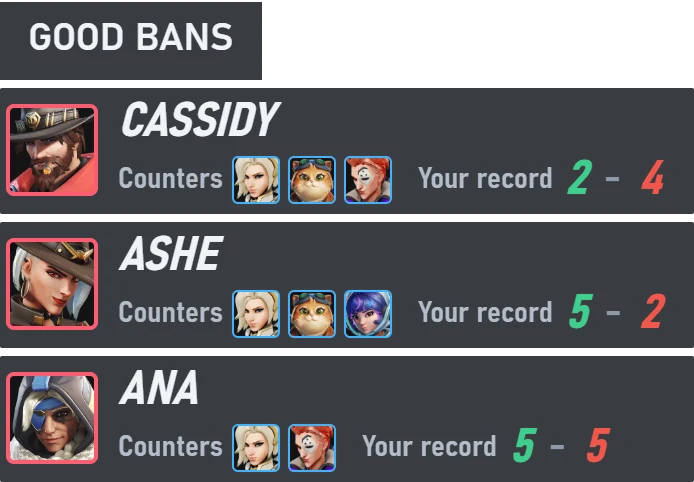
Good bans in the role select, from the heroes you play and your record against them.
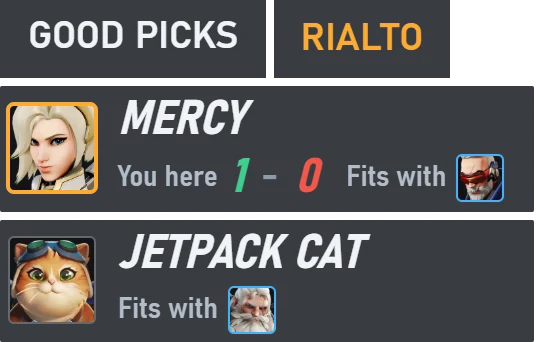
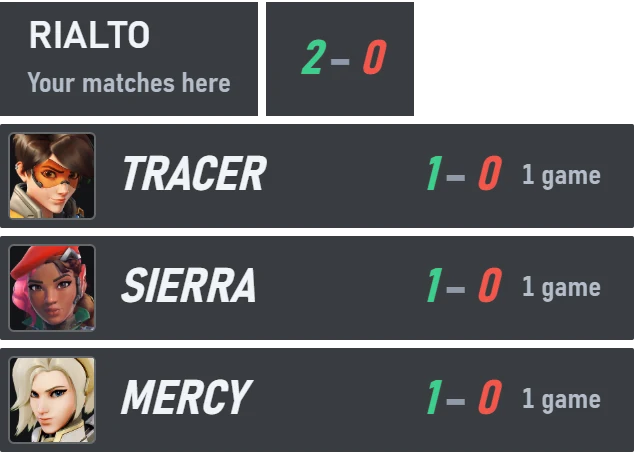
Good picks, your record on this map and today's record while you choose your hero.
Scoreboard and respawn
While you hold the scoreboard key: next to each row, the heroes that counter that enemy and who counters whom in your match.
After a death: whether another hero of yours counters this team clearly better, with the reasons.
The app
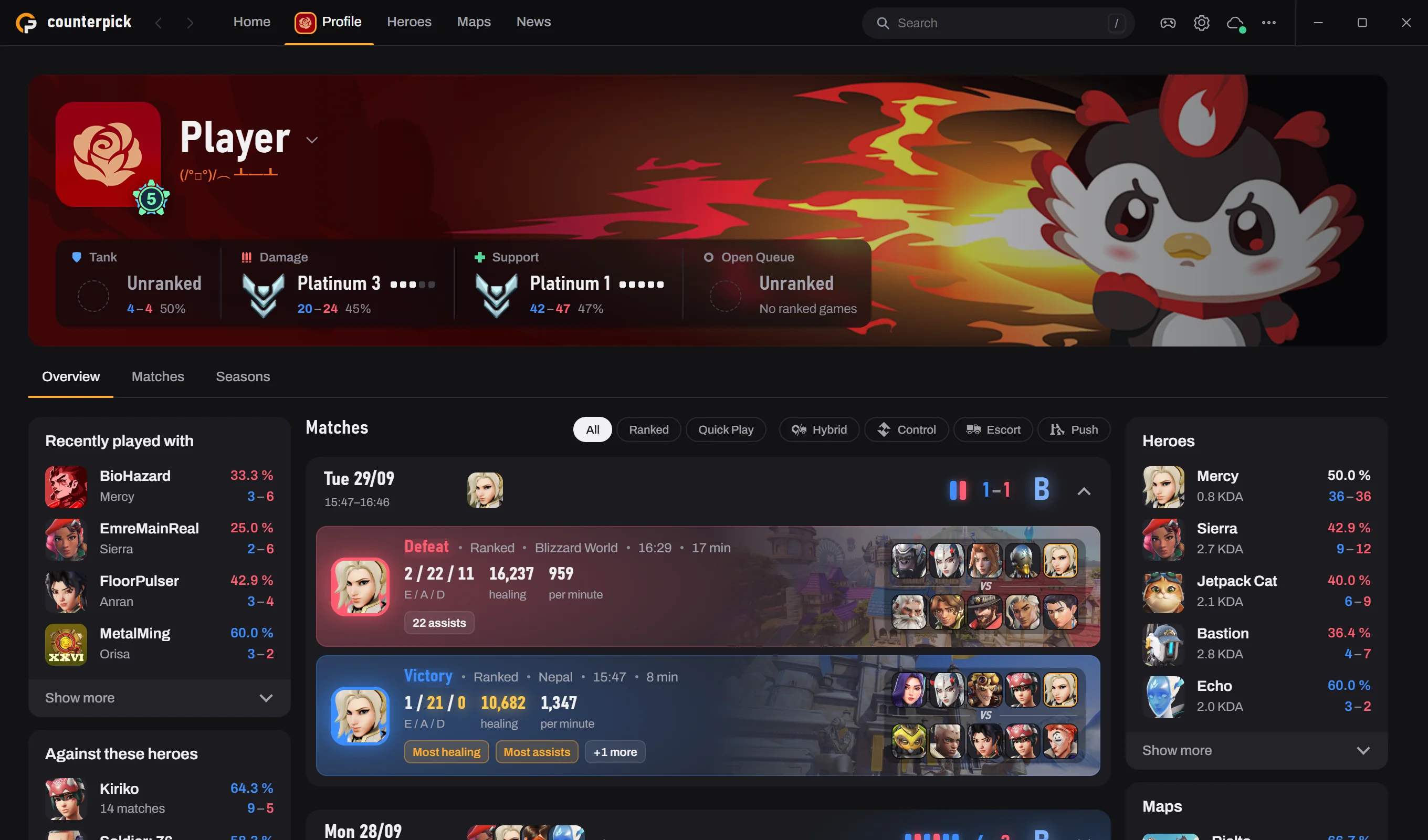
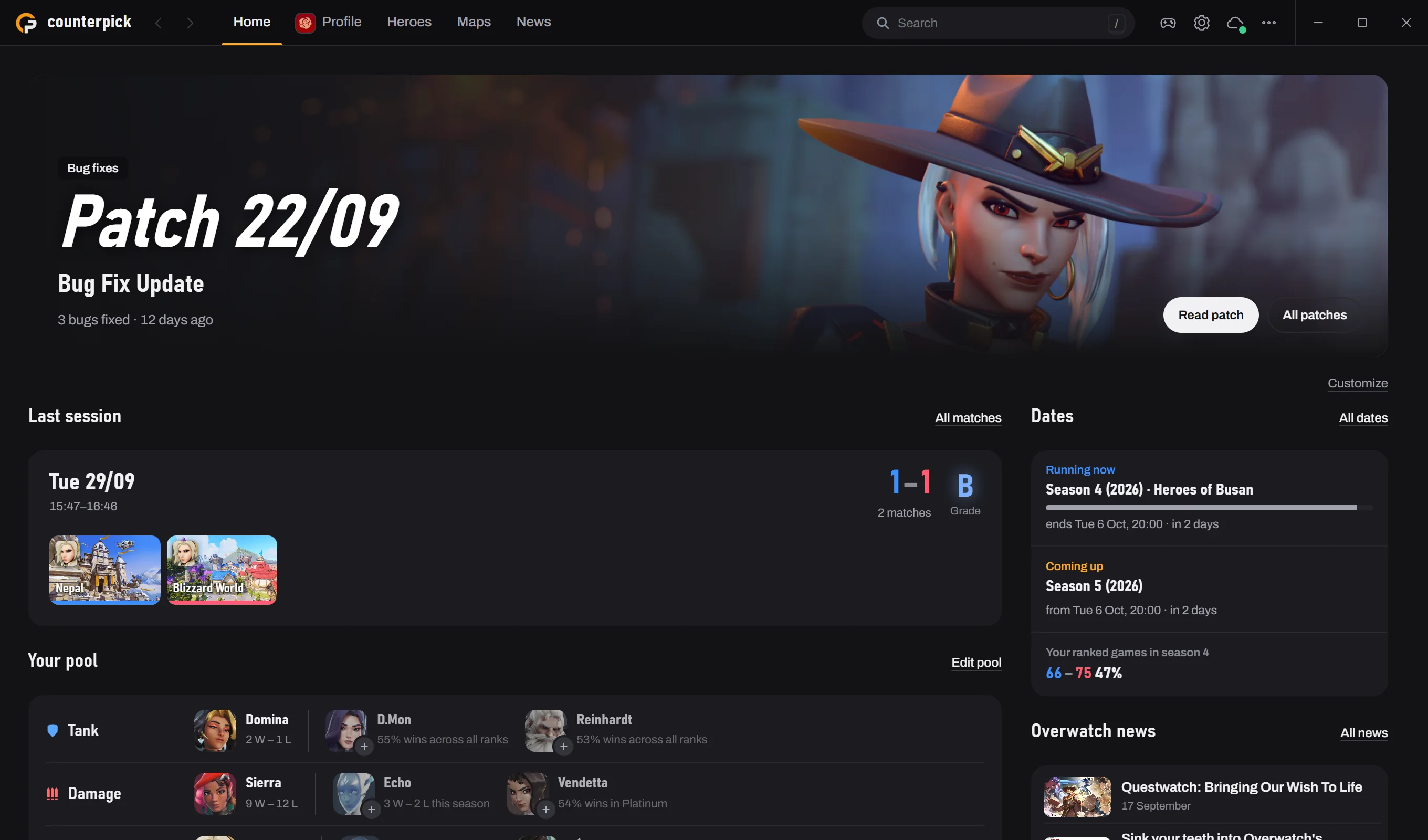
Home, your profile, all heroes, all maps and the news, in one window beside the game. You arrange Home yourself: the newest patch, your last session, your hero pool with suggestions, Overwatch news and the season dates.
Profile
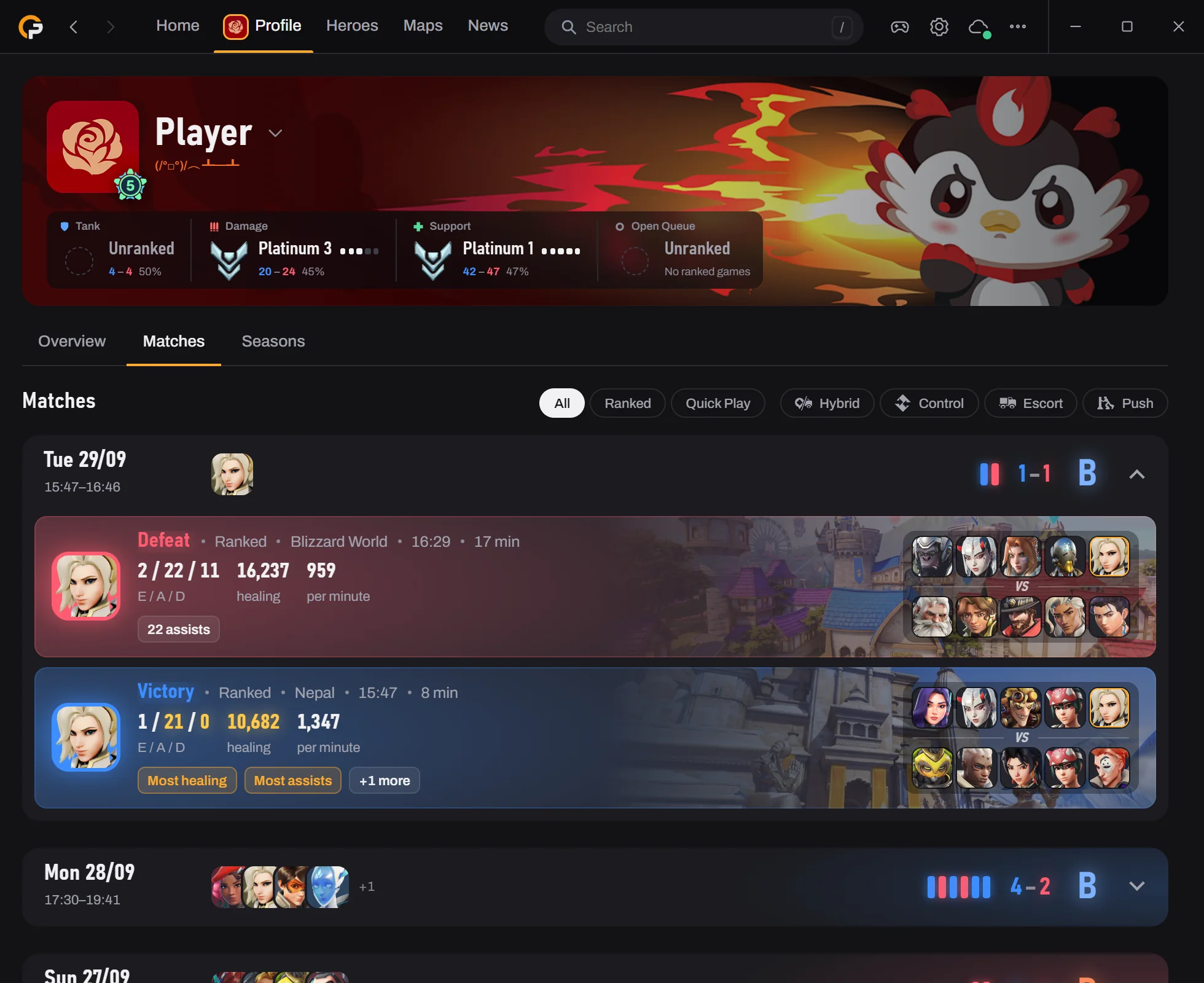
Your career profile with the rank per role, the season as a chart week by week, every recorded match with both teams, and earlier seasons. Profile features need a public career profile.
Heroes
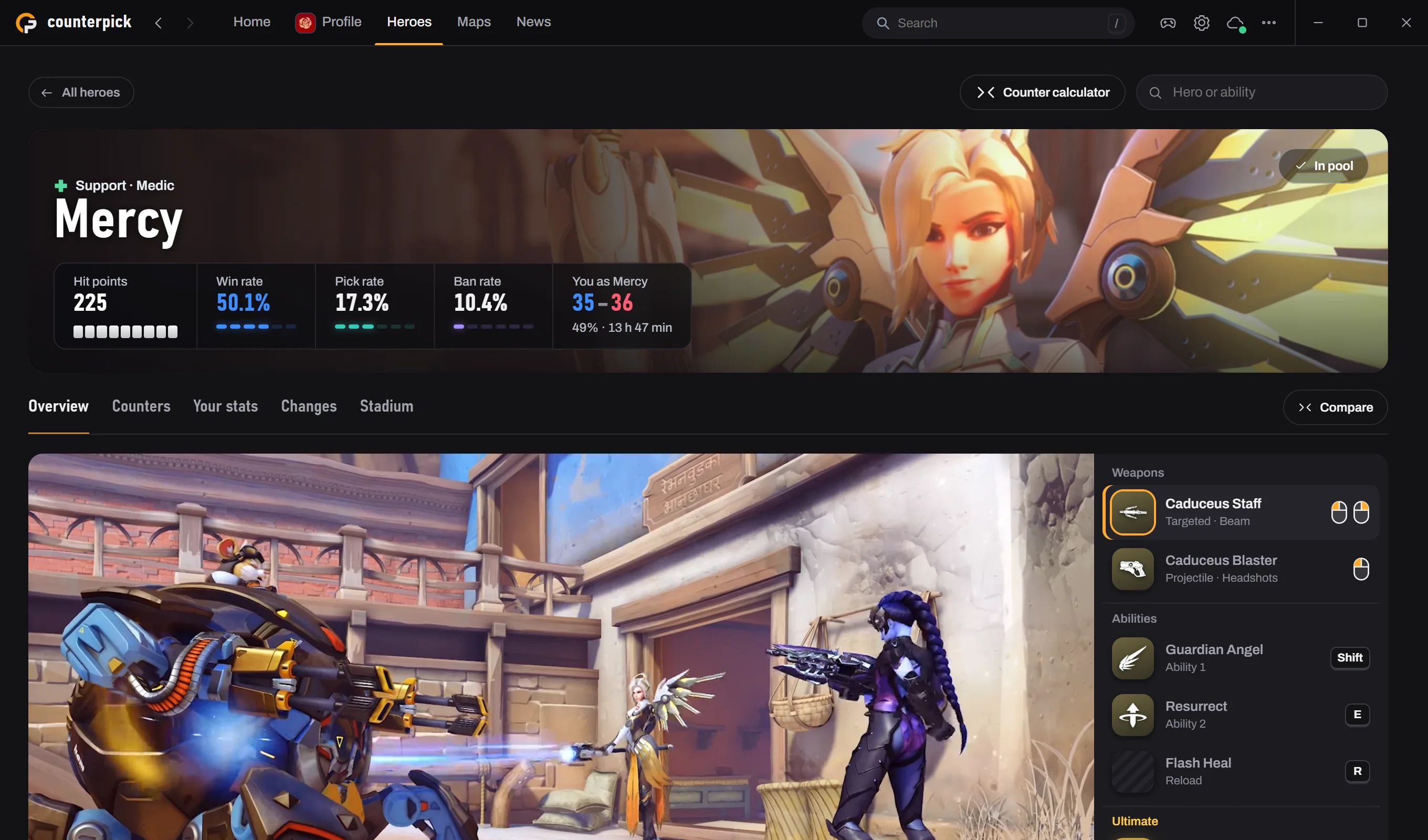
Health, ability values and perks, the official pick, win and ban rates for your rank, counters with a one-line reason, two heroes side by side, balance changes, your own stats and Stadium builds.
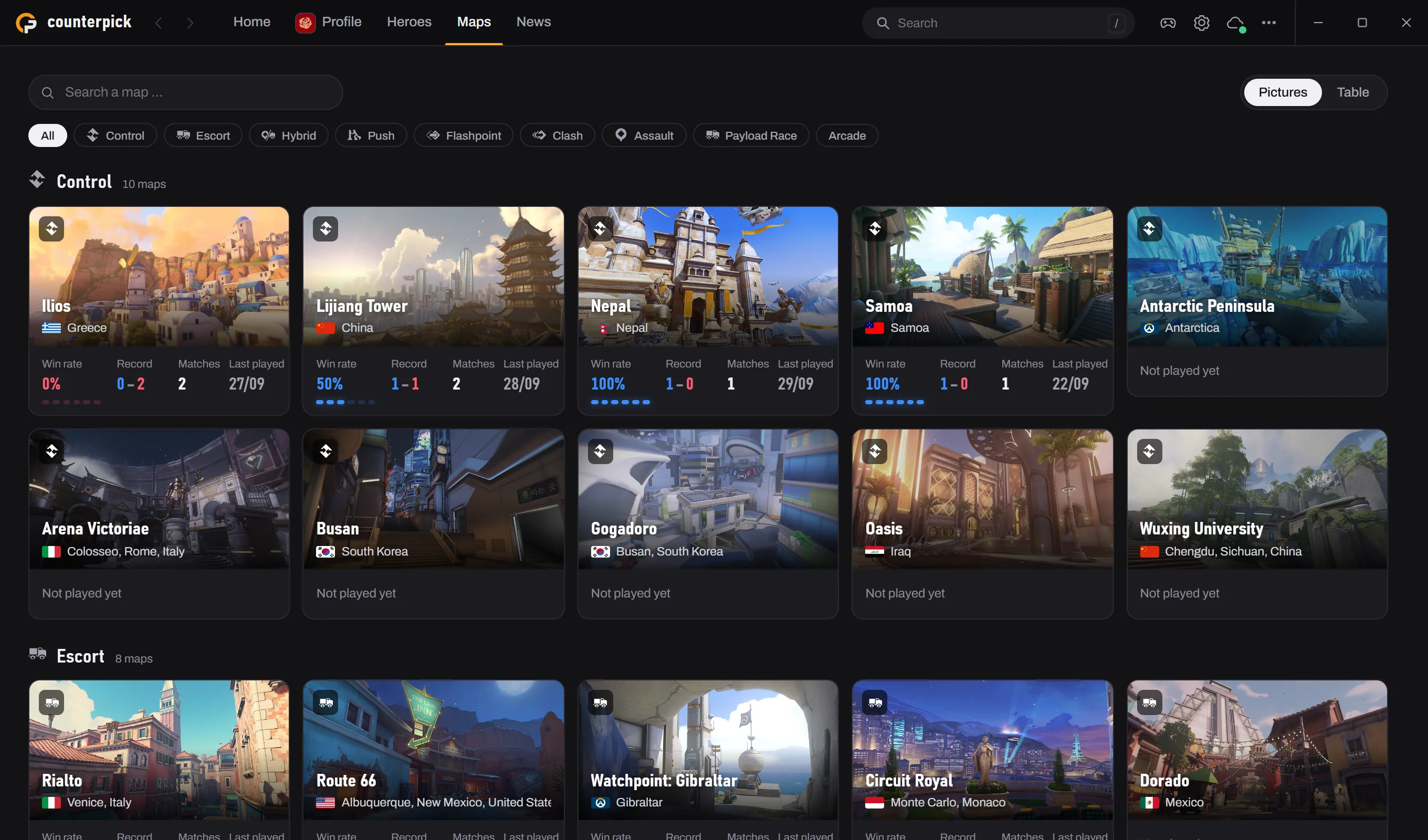
Maps
All maps by mode with your record on each.
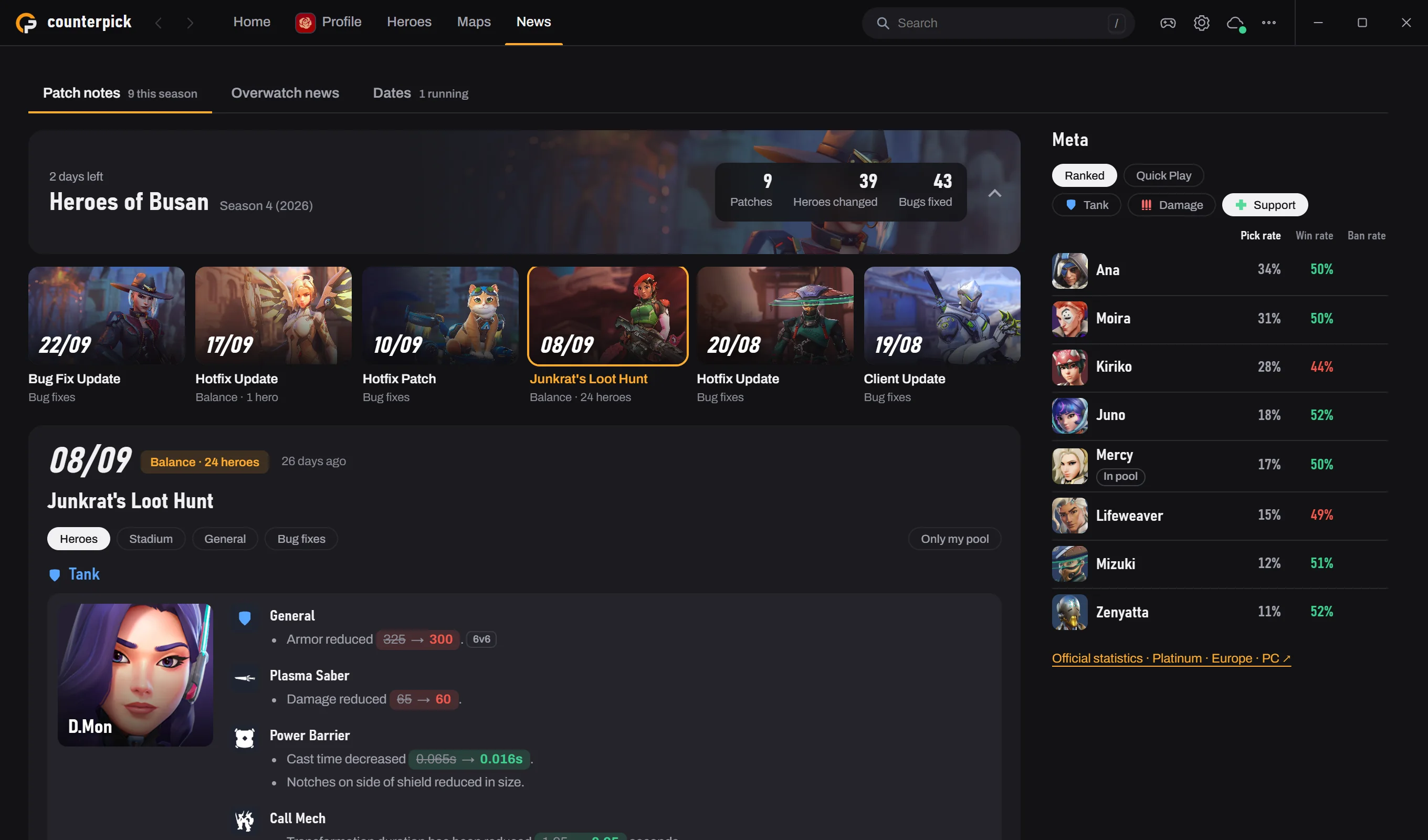
News
The patch notes by season with every hero change, Overwatch news from Blizzard, running and coming seasons and events, and what is played in your role and rank.
Playing


Discord
While you play, your Discord status shows the game mode, today's record, your hero and the map. You choose both lines from blocks such as hero, map, mode, round number, stats and group size. Others see a button to this website.
On the Counterpick server you get the patch notes and Overwatch news, find a group to play with and get help with the app.
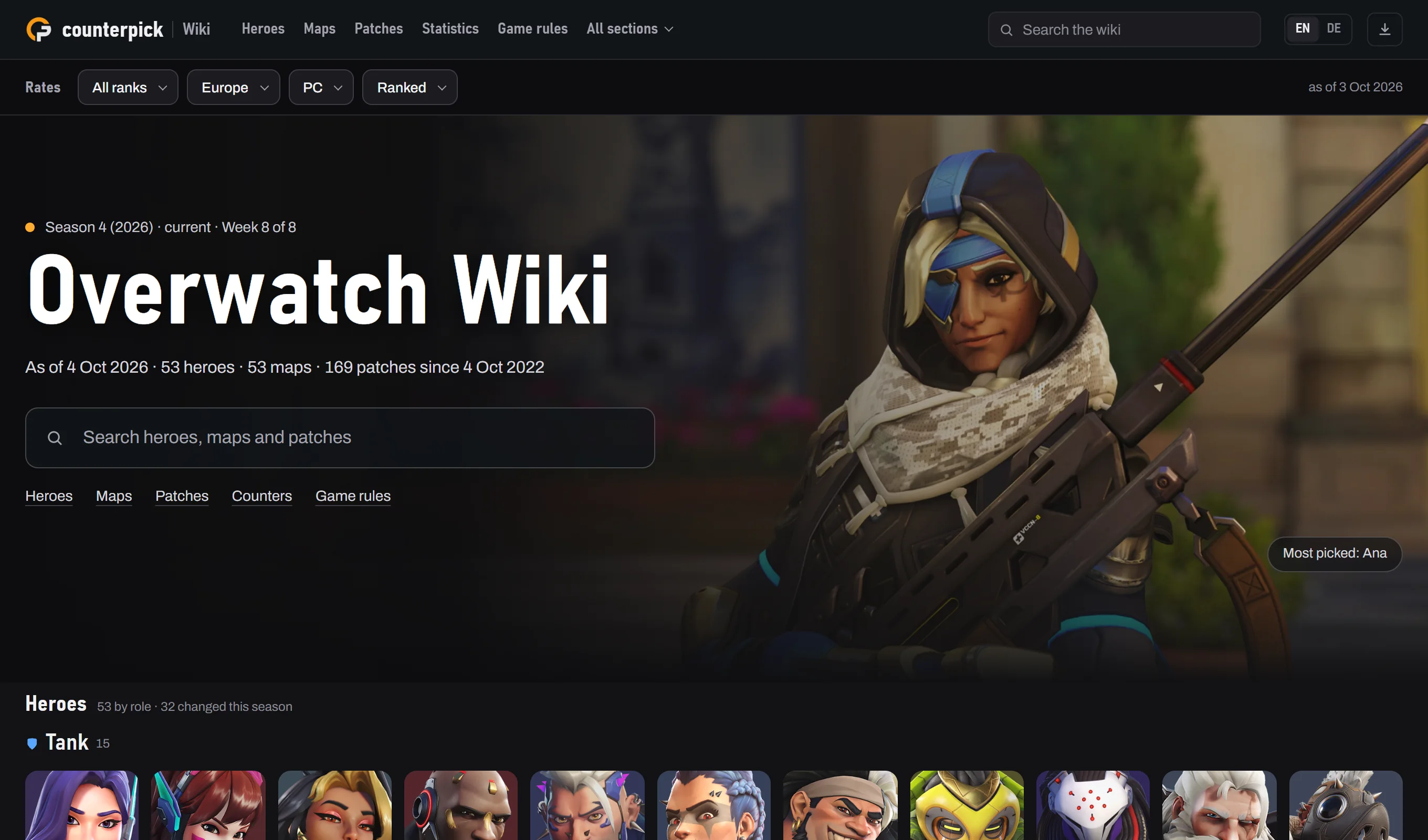
Wiki
All heroes, maps, game modes, ranks and seasons, the patches since October 2022, Overwatch news with the season and event dates, and the official rates by rank, region, platform and mode.
Your data
Counterpick reads the game data that Overwolf provides to apps. Your matches, notes and settings are stored on your PC. To load career profiles the app sends BattleTags to a public profile service: yours, and during a match those of the other players. By default it also reports its state to our server every five minutes and sends your BattleTag, which the server keeps only as a hash, so that other Counterpick users see a mark at your name. Both can be switched off in the settings. Cloud sync with your Overwolf account starts only when you start it, and you can download or delete the cloud copy at any time. Details in the privacy policy.
Questions
Do I need an account?
No. Cloud sync uses your Overwolf account and starts only after you start it. The mark that other Counterpick users see at your name uses it too, when you are signed in to Overwolf and the mark is on in the settings.
What does the app send over the internet?
To load career profiles it sends BattleTags to a public profile service: yours, and during a match those of the other players. Images come from Blizzard and from the profile service, game data from our server. By default it also reports its state to our server every five minutes and sends your BattleTag for the mark that other Counterpick users see. During a match it asks our server which of the other players use Counterpick, sending their BattleTags. With cloud sync your matches go to our server too. The privacy policy lists every service and what it receives.
Download
Counterpick is not available for download yet. The download goes here as soon as it is in the Overwolf store.
- Runs on
- Windows, inside Overwolf
- Profile features
- need a public career profile
- Languages
- Every language Overwatch offers